Using KML Files
Bring your own data onto the map, like noise, heritage, or environmental impacts.
See impacts on a map
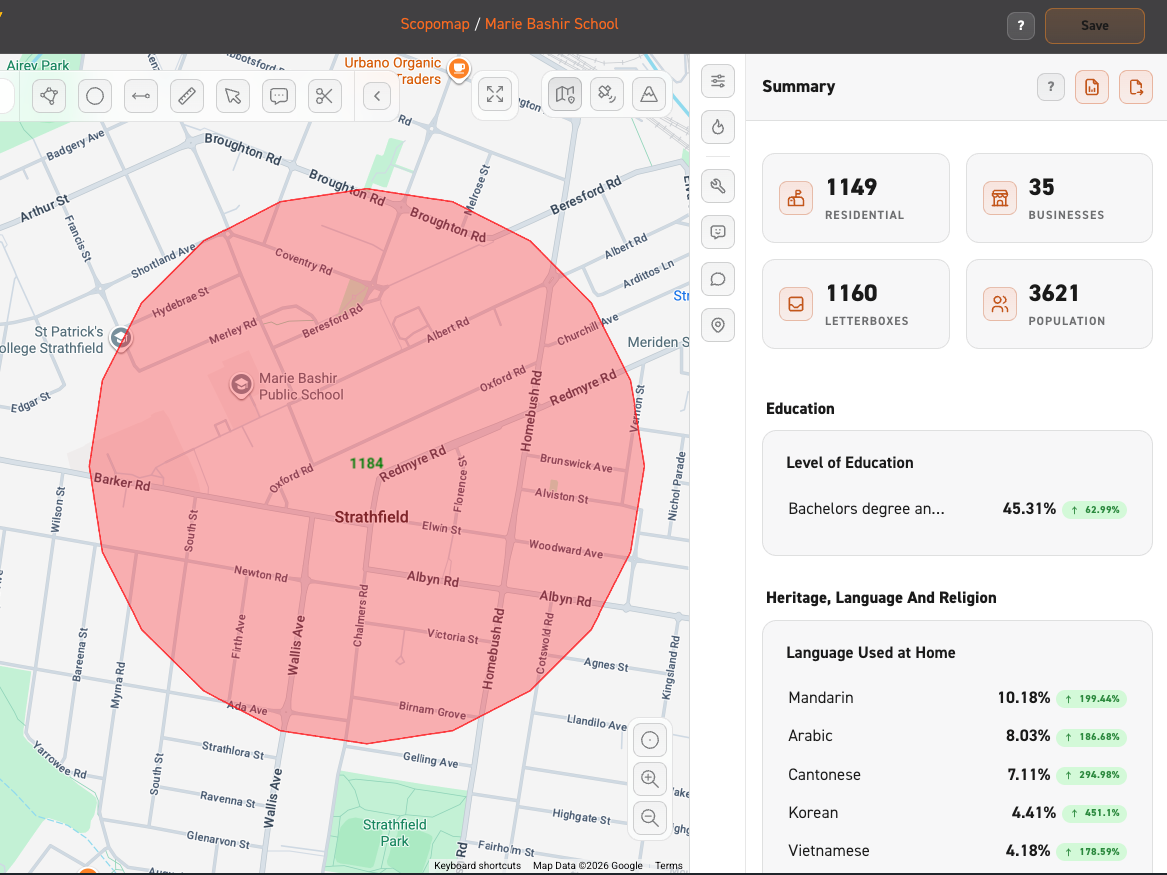
Import KML* files to visualise impacts, such as which properties will be impacted by construction noise or that fall inside a heritage boundary.
*KML is a standard file format for geographic data, commonly used in tools like Google Earth.
How to upload KML files
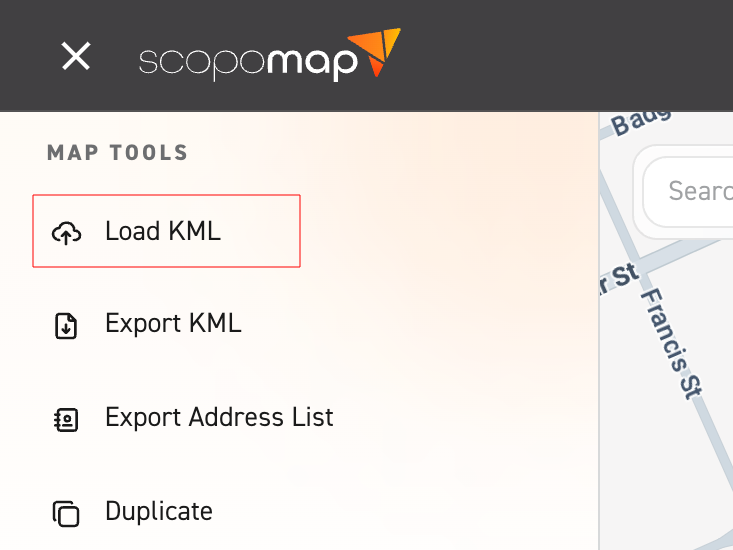
1. Select "Load KML"
Click on "Load KML" from the side menu.
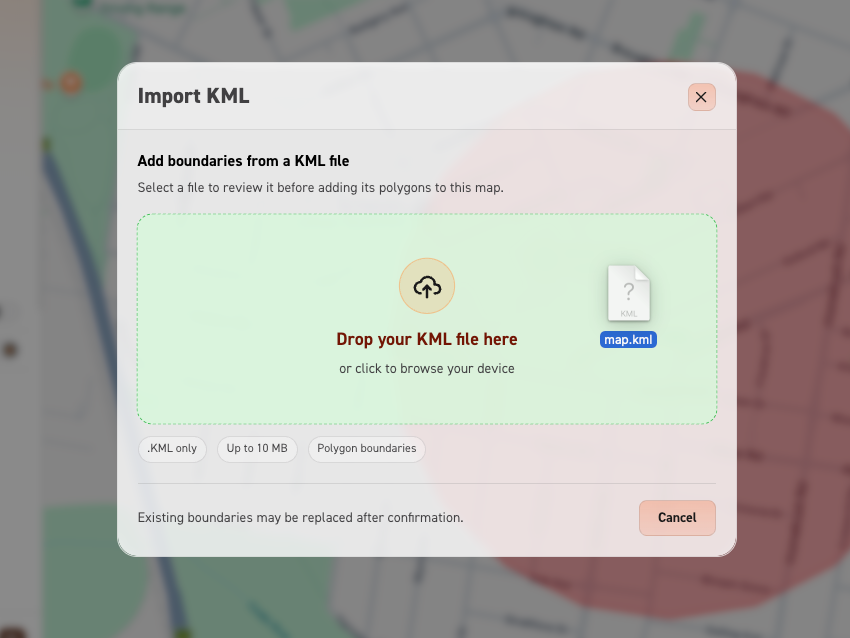
2. Drag KML file
Drag and drop the .kml file into the upload box.
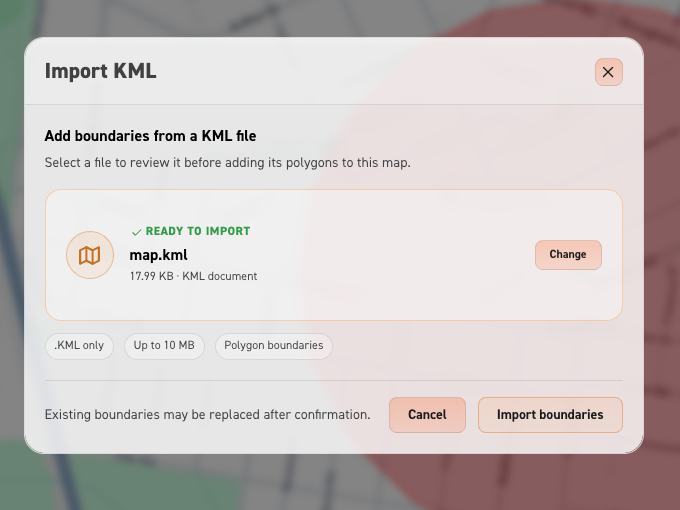
3. Import the boundaries
Press the orange “Import boundaries” button to upload the map.