Find out how representative your feedback really is
Create your survey, see who you're hearing from, and find out how well your feedback represents the community.
Collect, analyze, and act on any feedback you can imagine.
Survey
Responses
Insights
Survey
Build your survey
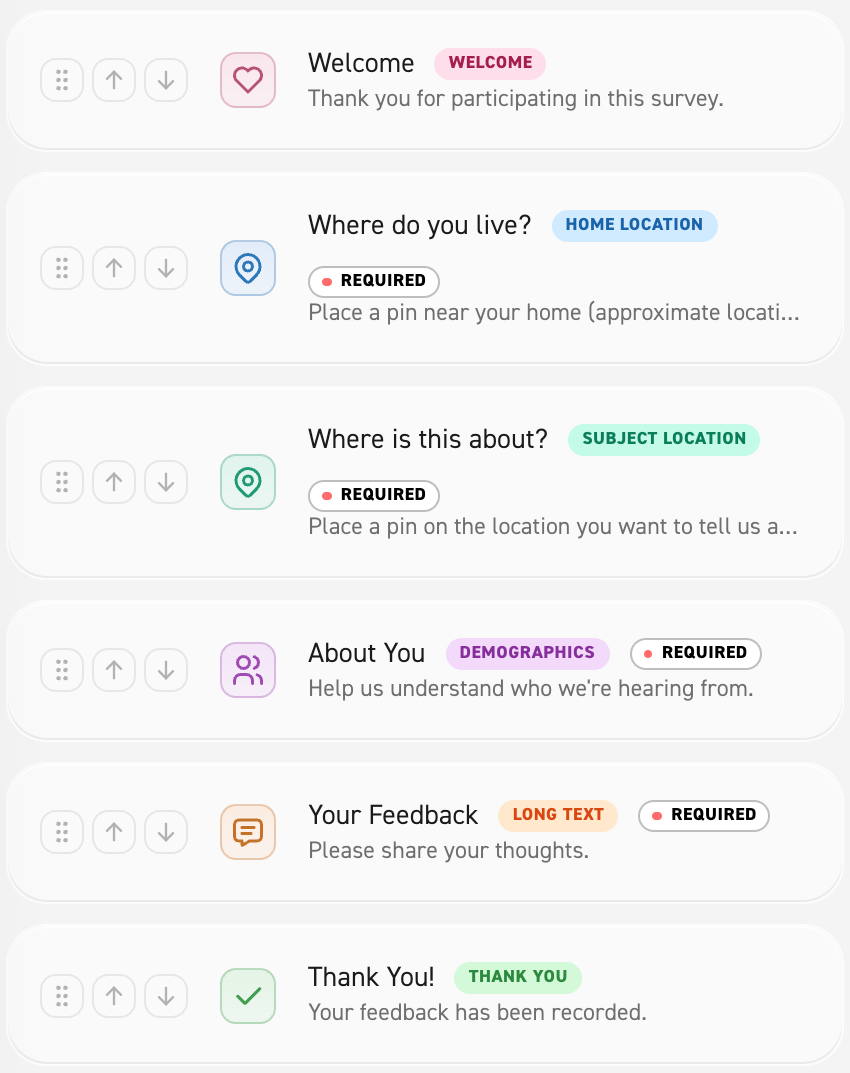
Create and publish surveys linked to a defined project area.
Include demographic questions so you can compare respondents with the local community’s makeup.
Responses
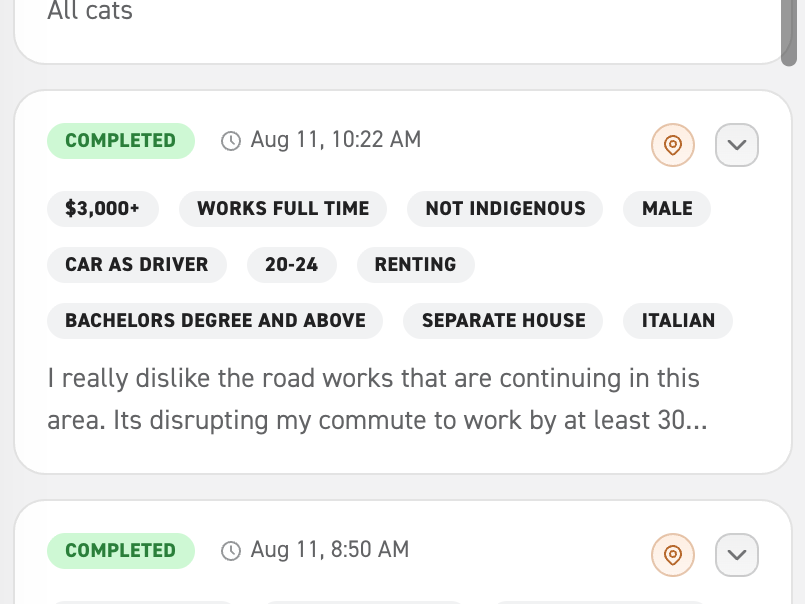
Explore Responses
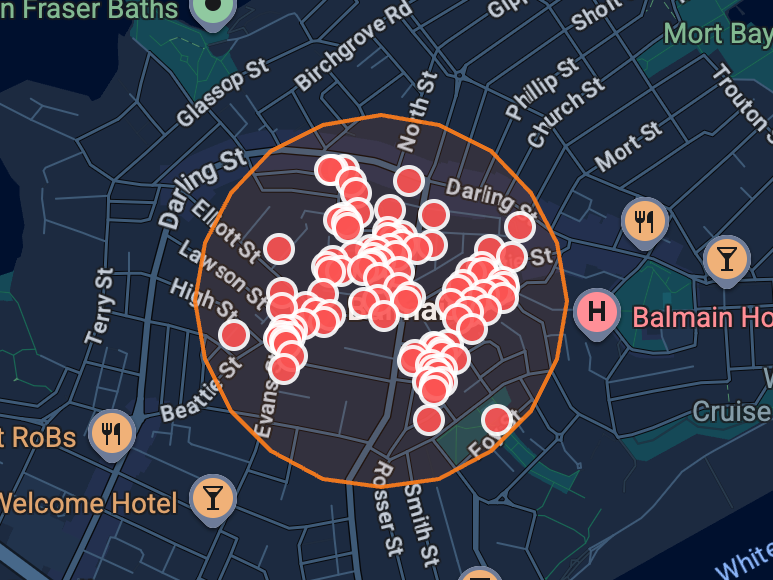
View individual responses, their location and demographics.
Insights
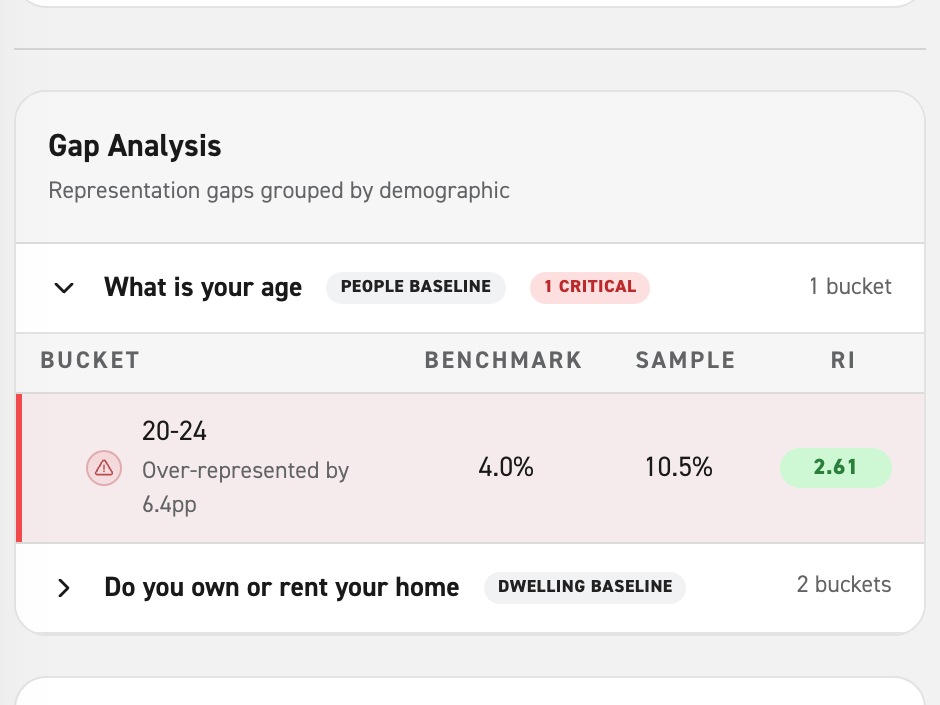
Find out who’s participating. And who isn’t.
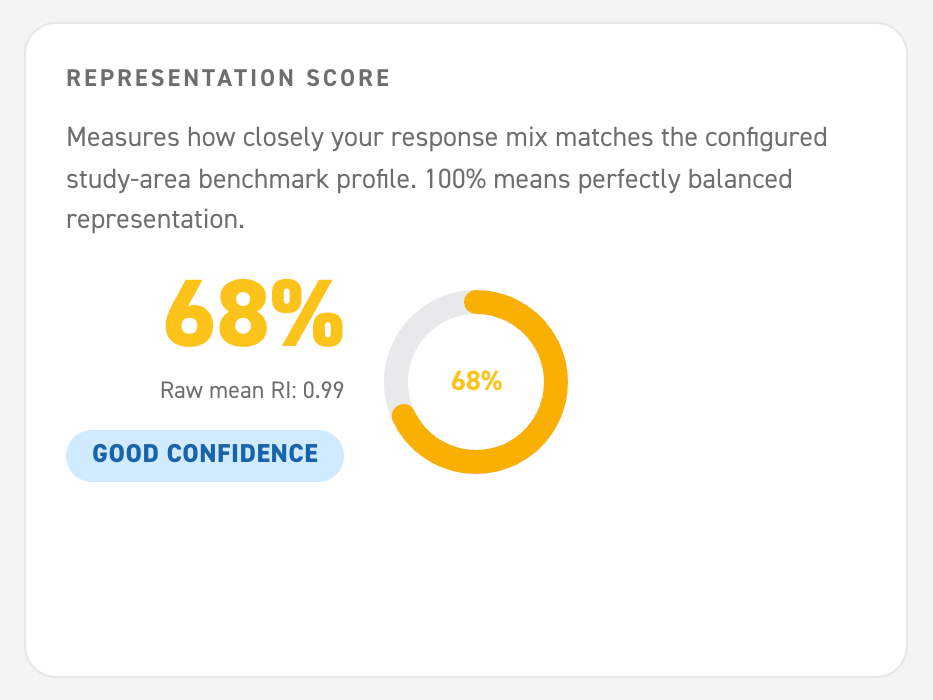
See how closely your respondents reflect the actual community and where the gaps are.
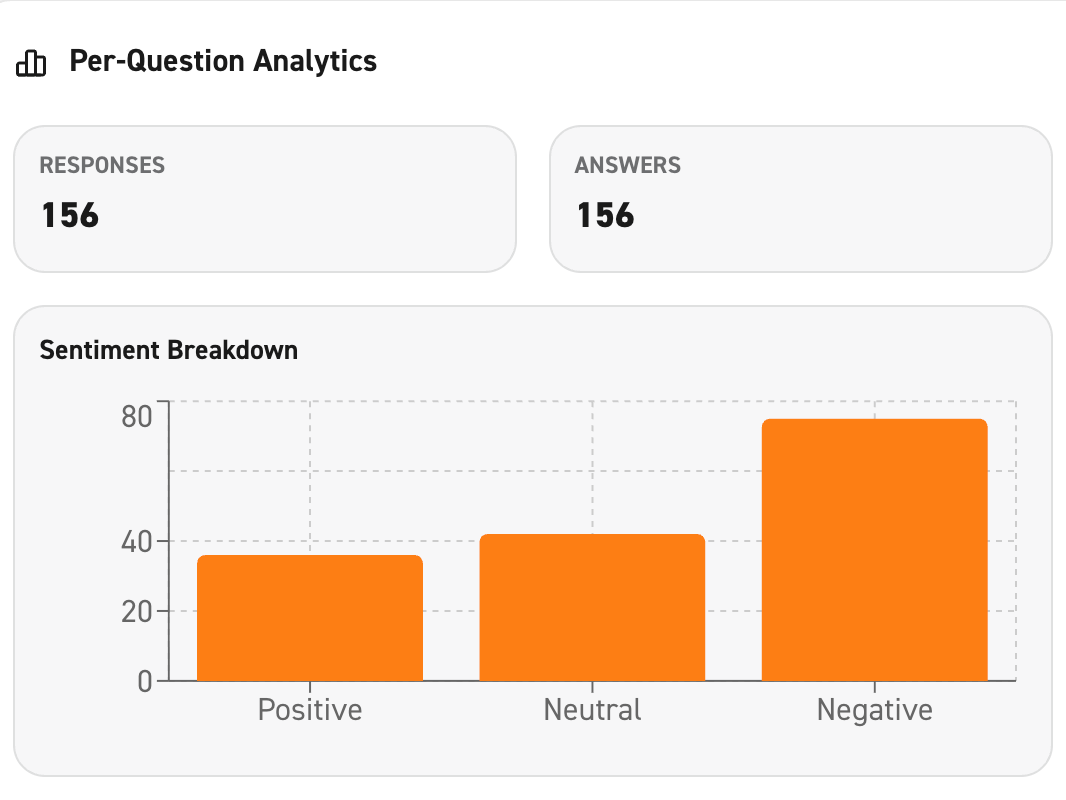
Get a Representation Score, uncover themes and sentiment, and turn your findings into reports.
Ask Bruce questions about your results without having to dig through the data yourself.