Narrow your search for target groups
Use filters to locate concentrations of one demographic group (e.g. Mandarin speakers) or combine filters for more complex searches (e.g. Mandarin speakers who are renters). If you want to find groups by a single characteristic, check out heatmaps.
How to use the Filter function
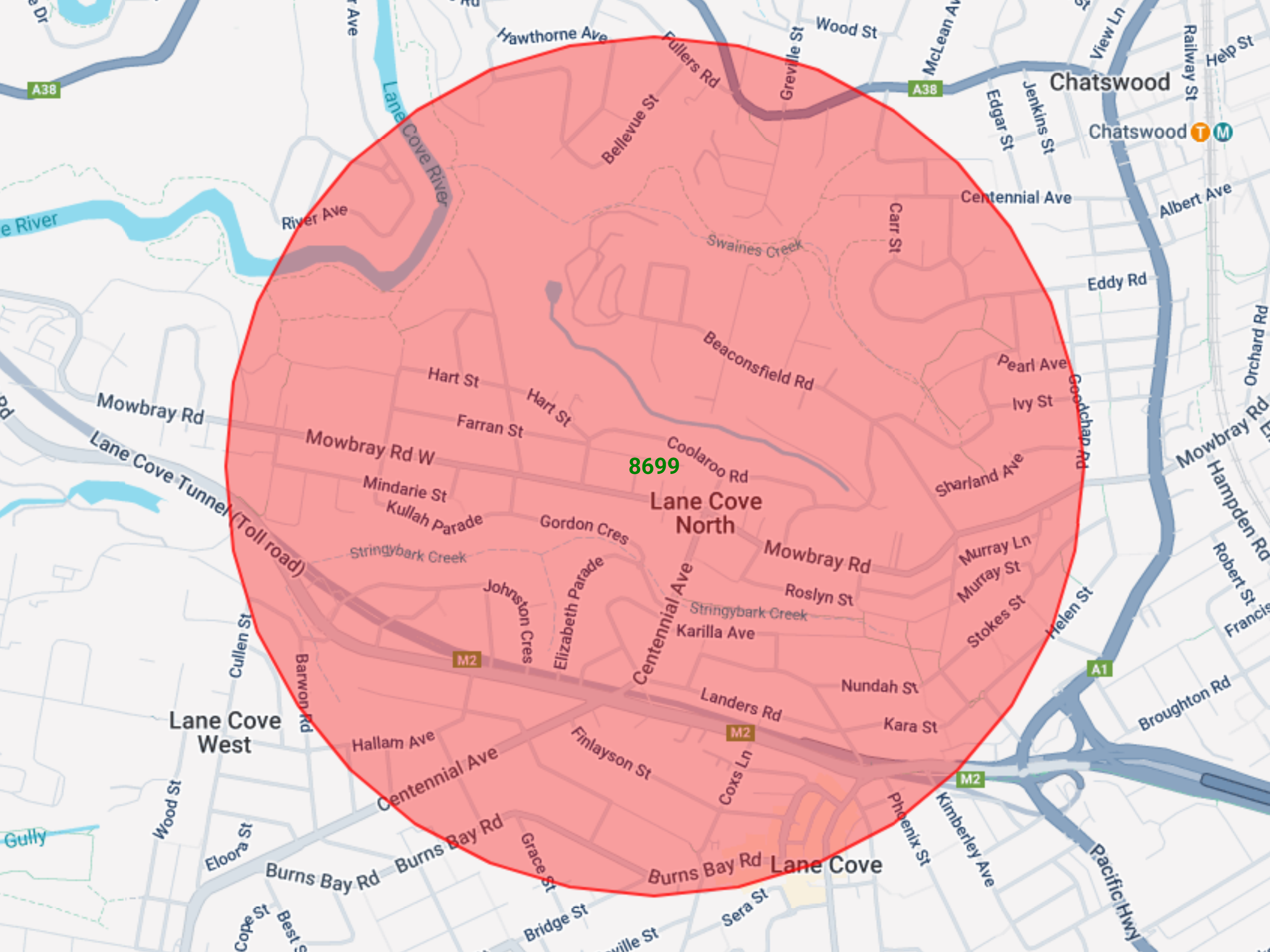
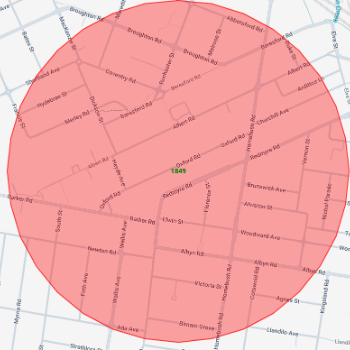
1. Create a map
Select an area using any of the mapping tools (polygon map, radius map or radial line map).
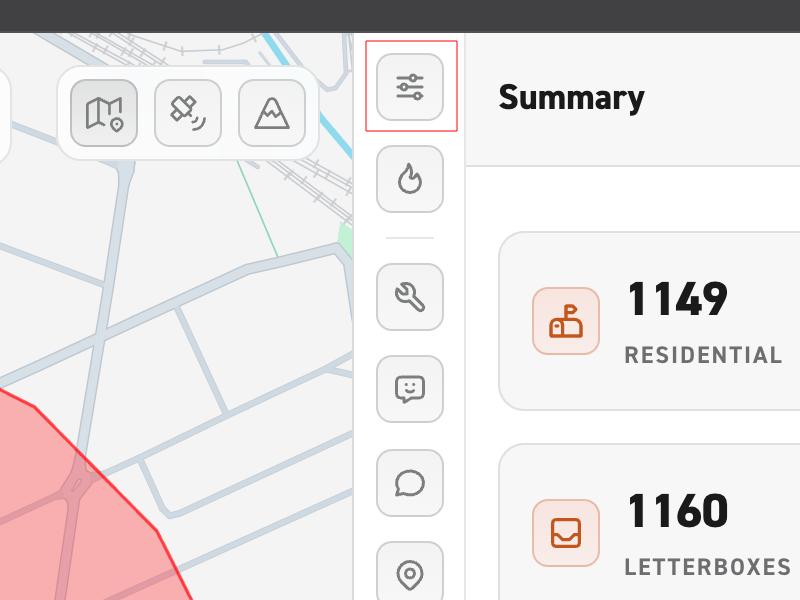
2. Select the Filter function
Open up the Filter Function by selecting the slider icon in the side menu (see highlighted icon in image). Here you can select the demographic indicator that interests you.
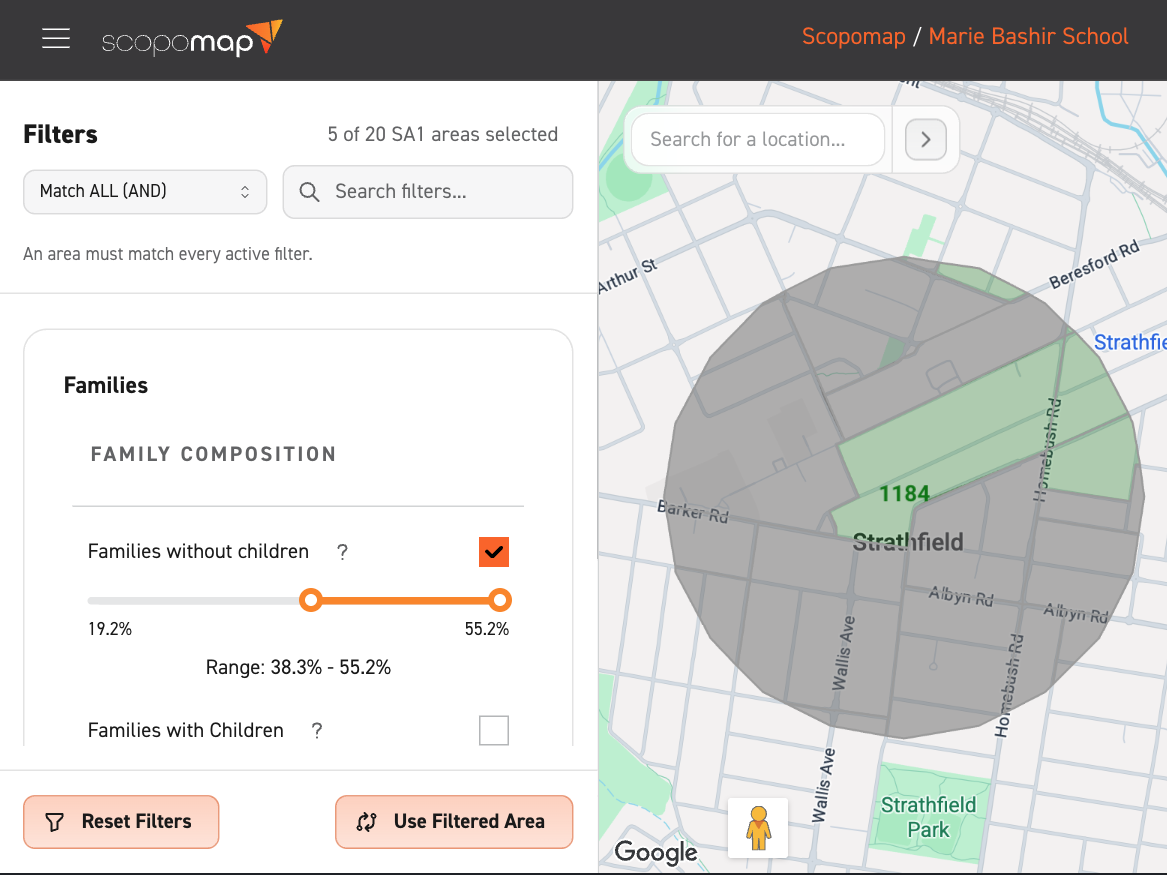
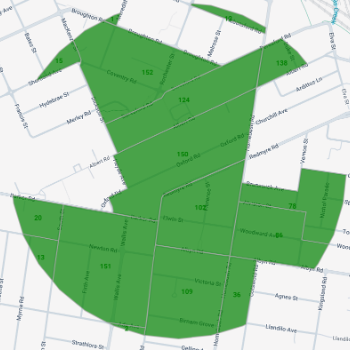
3. Use the slider
Use the slider in your selected demographic indicator to narrow down your search.
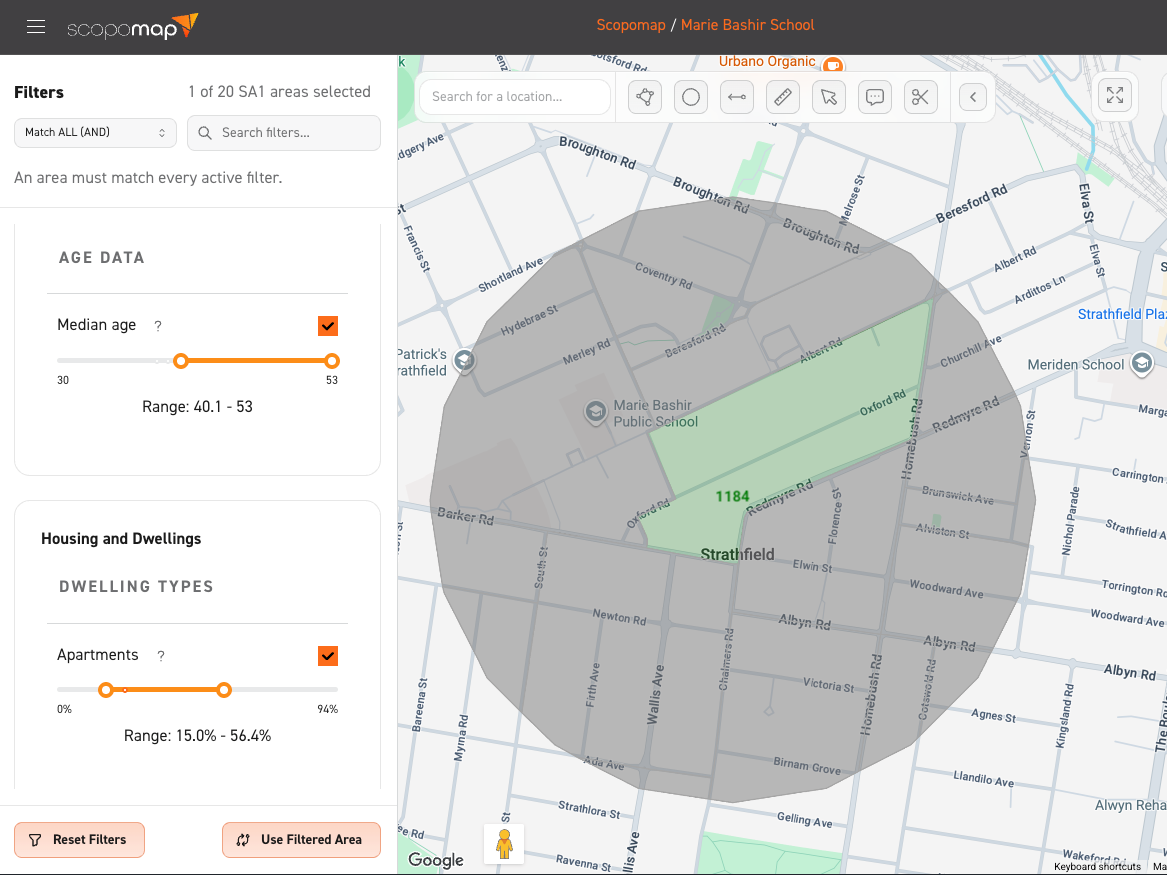
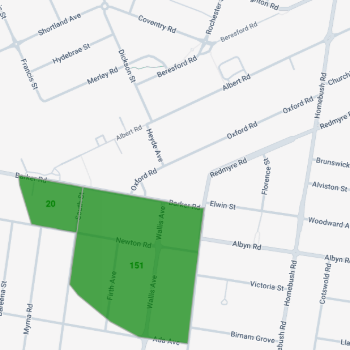
4. Use multiple sliders
For more complex searches, add multiple indicators for filtering e.g. filter by people who have arthritis AND asthma.